Issue Description
I have followed the steps on importing point clouds but it's still mirrored/rotated.
Solution
To fix mirrored or rotated point cloud imports in Archicad:
- Select the imported point cloud object.
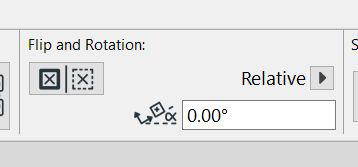
- Locate the FLIP option and make sure it is inactive.
- Ensure the rotation setting is 0,00°.
- Apply changes and recheck the orientation in your view.